Best School Inventory Management Software in India
Track stock, assets, purchases, and vendor records — all from one centralized platform built for modern schools.

Track stock, assets, purchases, and vendor records — all from one centralized platform built for modern schools.
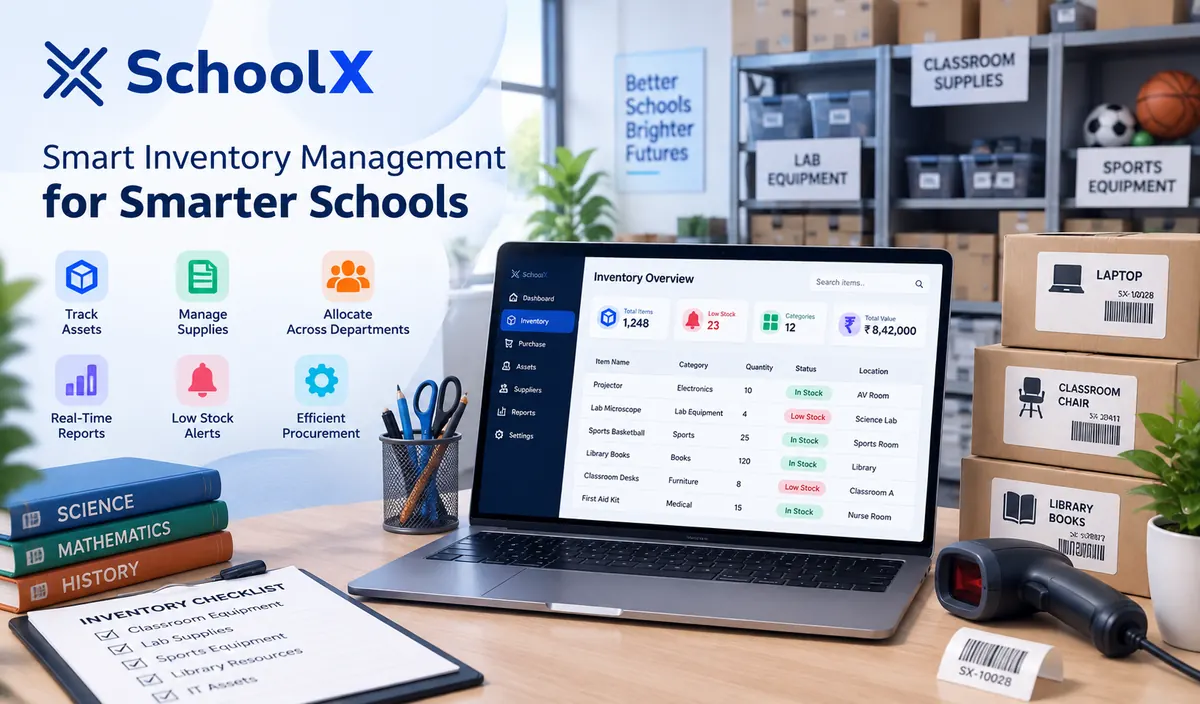
SchoolX Inventory Management Software helps schools track stationery, lab equipment, sports gear, furniture, IT assets, and other physical resources from a centralized system. Designed to reduce the guesswork of manual stock registers, the system gives administrators a clear, real-time view of what's in stock, what's been issued, and what needs reordering.
With centralized asset records, purchase order tracking, vendor management, and issue-return logs, SchoolX ERP helps schools reduce wastage, avoid duplicate purchases, and stay audit-ready without relying on scattered paper registers or disconnected spreadsheets.
Schools manage a surprising volume of physical resources — lab equipment, sports gear, furniture, stationery, computers, and more — yet inventory is often tracked informally, if at all, until a missing asset, an unexpected shortage, or a confusing annual audit forces attention onto it. By then, reconstructing accurate records from memory or scattered notes is slow and unreliable.
SchoolX Inventory Management Software brings structure to this process from the start. By centralizing stock records, purchase history, and issue-return tracking in one system, schools can catch shortages before they become urgent, hold departments accountable for issued equipment, and walk into an audit with accurate records instead of a scramble.
 Centralized Asset RegisterStock Category ManagementConsumable & Non-Consumable TrackingItem-Wise Stock HistoryLow Stock AlertsPurchase Order ManagementVendor & Supplier RecordsPurchase Approval WorkflowInvoice & Bill TrackingMulti-Department ProcurementIssue & Return TrackingDepartment-Wise AllocationAsset Depreciation RecordsAudit-Ready ReportsRole-Based Access Control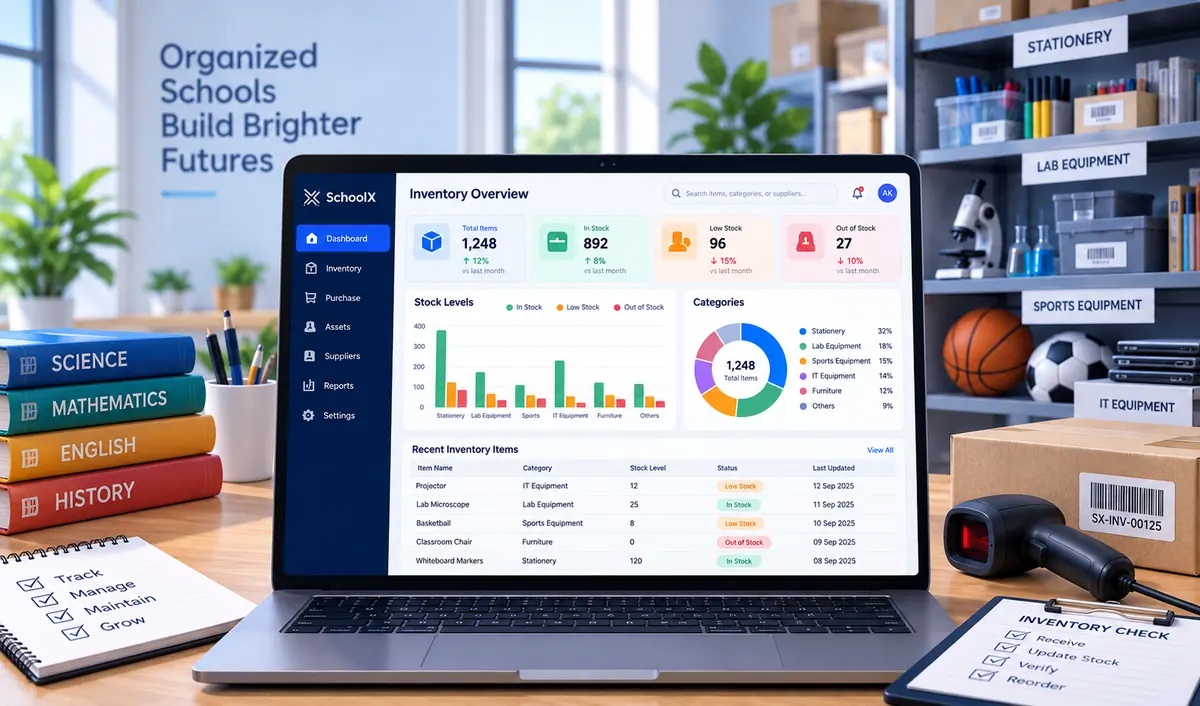

Add stock items, assets, and categories into a centralized inventory register, covering stationery, equipment, furniture, and IT assets.
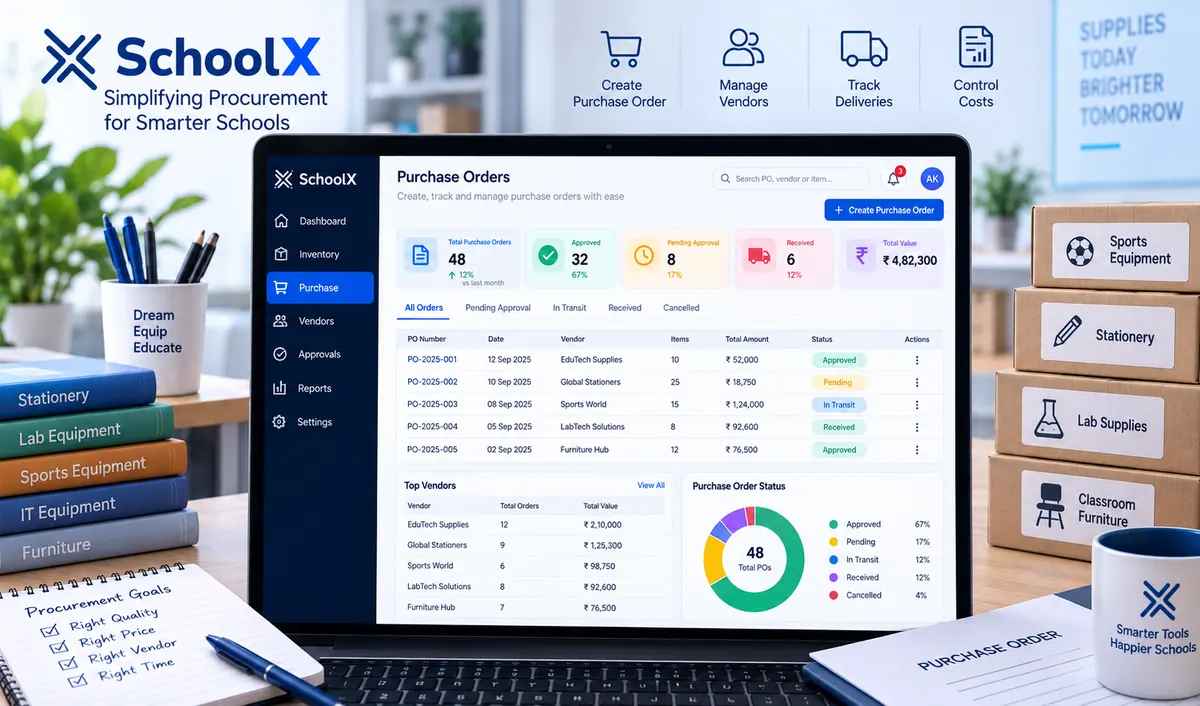
Raise and track purchase orders with vendor details, approval workflows, and invoice records, all connected to the relevant stock category.
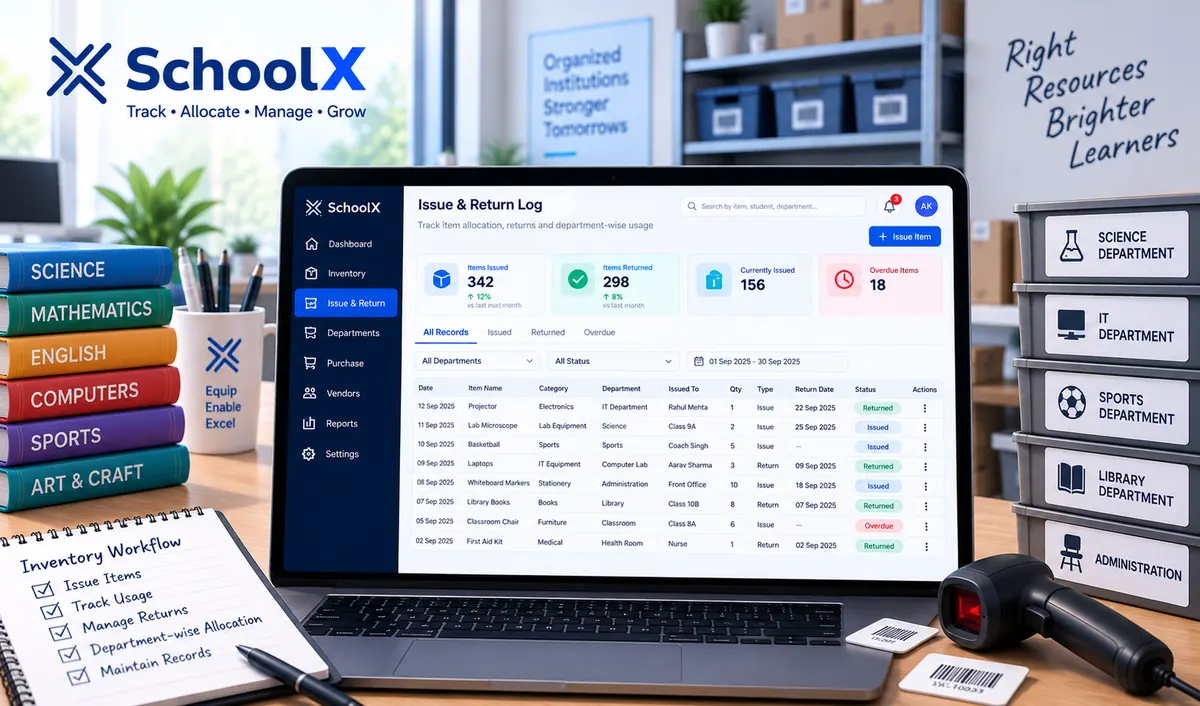
Track items issued to departments, classrooms, or staff, with return tracking for reusable equipment and clear accountability records.
Review stock reports, depreciation records, and issue-return history to stay audit-ready and identify reordering needs before shortages occur.
The SchoolX ERP Inventory Module gives schools a single, organized register for every physical resource — from stationery and lab equipment to furniture and IT assets. Instead of scattered registers maintained by different departments, administrators get one searchable system covering the school's full inventory.
Centralized Asset Register.Custom Stock Categories.Consumable & Non-Consumable Classification.Item-Wise Stock History.Low Stock Threshold Alerts.Barcode/QR-Based Item Tracking.Multi-Location Stock Management.Stock Adjustment Records.Department-Wise Stock Visibility.Searchable Inventory Database.Bulk Item Import.Secure, Role-Based Access.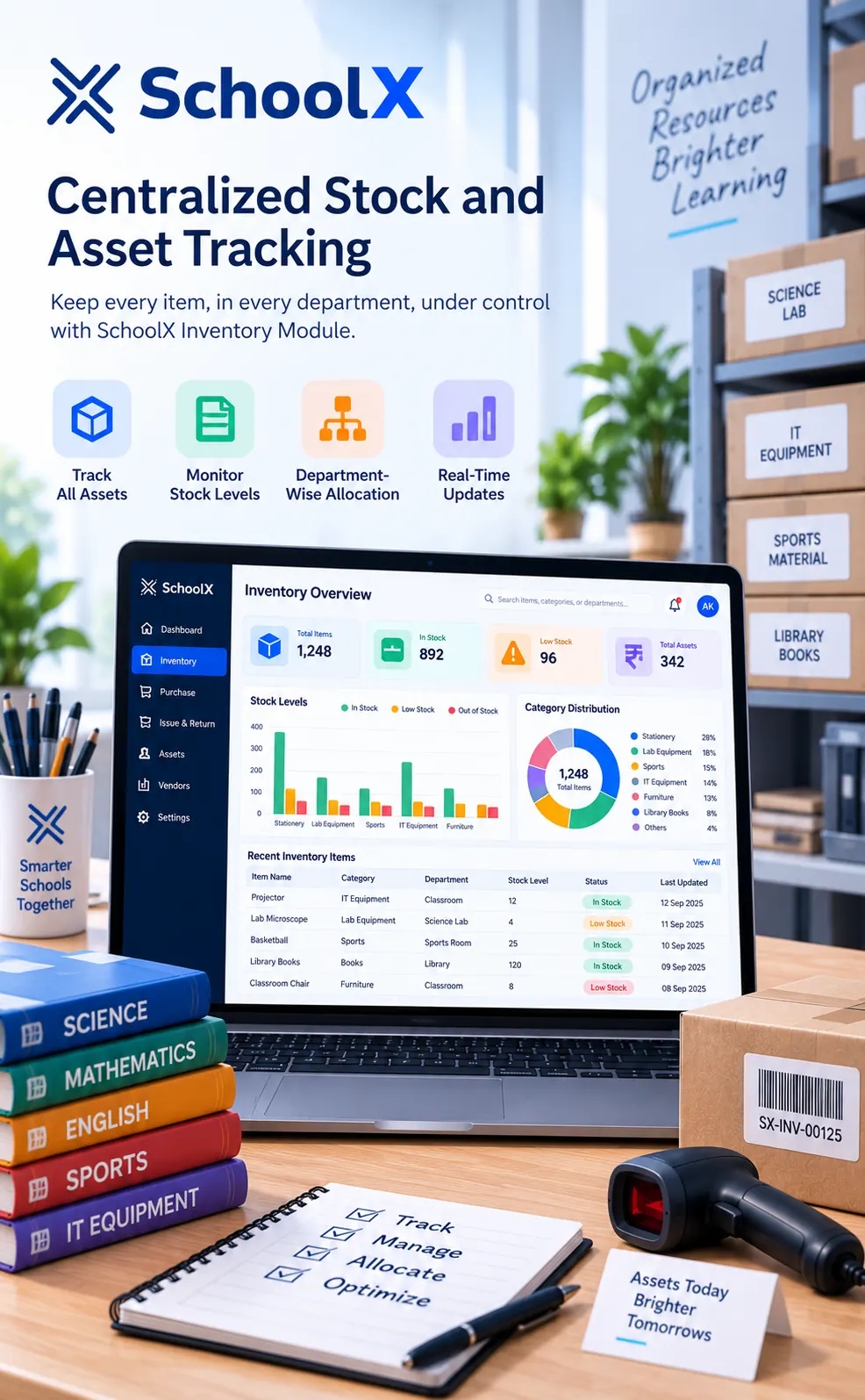
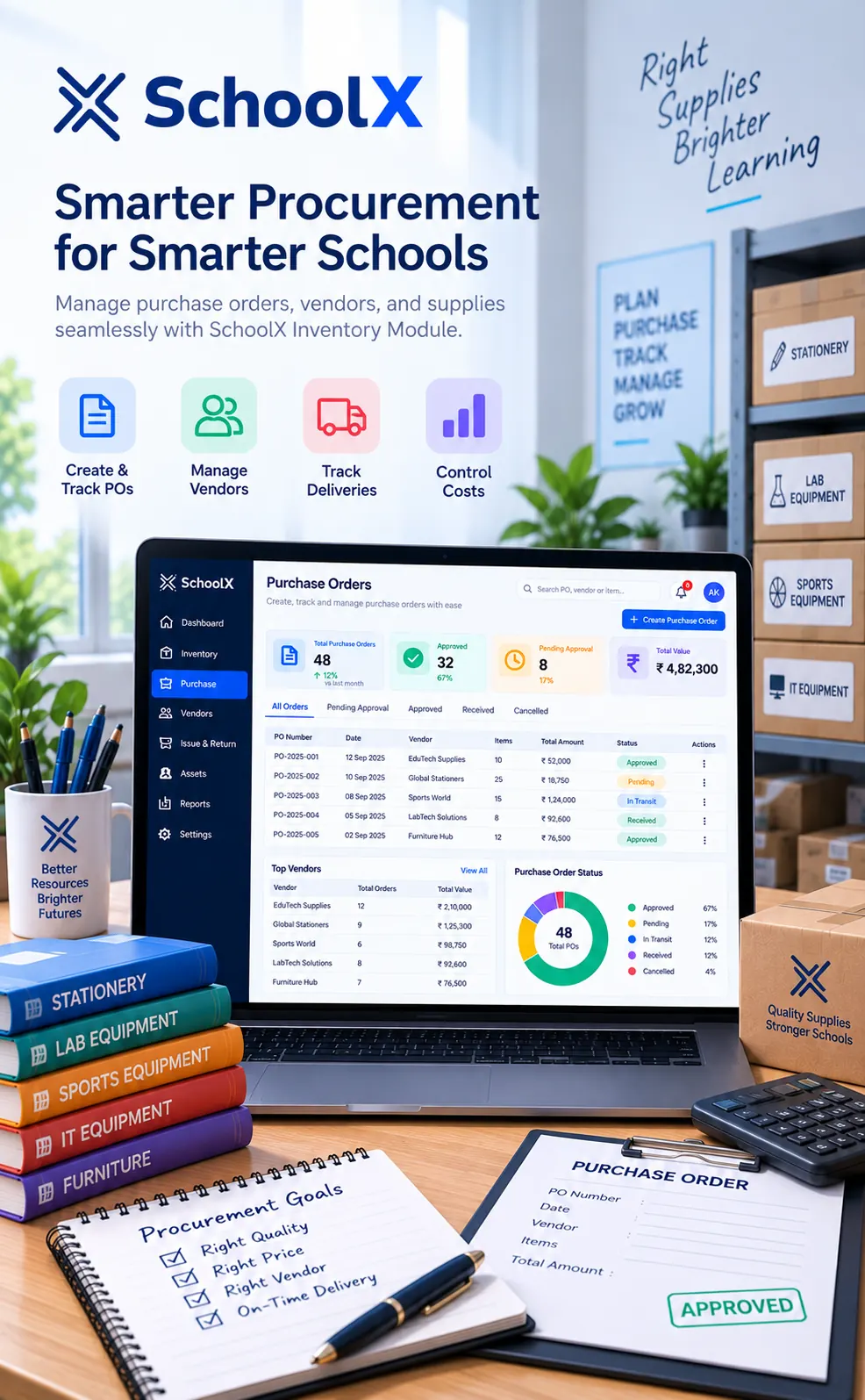
SchoolX ERP simplifies procurement by connecting purchase orders directly to vendor records and stock categories. Administrators can raise purchase requests, route them through an approval workflow, and track invoices — all without switching between separate spreadsheets and paper files.
Purchase Order Creation.Vendor & Supplier Database.Purchase Approval Workflow.Invoice & Bill Tracking.Multi-Department Purchase Requests.Vendor Performance History.Budget-Linked Procurement.Purchase Order Status Tracking.Recurring Order Templates.Rate Comparison Across Vendors.Automated Purchase Alerts.Procurement Audit Trail.SchoolX ERP tracks exactly which items were issued, to whom, and when — with return tracking for reusable equipment like sports gear, lab instruments, and IT devices. Combined with depreciation records and audit-ready reports, schools stay accountable and prepared without manual reconciliation.
Issue & Return Logs.Department-Wise Allocation Records.Staff & Classroom Equipment Assignment.Overdue Return Alerts.Asset Depreciation Tracking.Damaged/Lost Item Reporting.Annual Audit Reports.Stock Valuation Reports.Category-Wise Consumption Reports.Multi-Year Inventory Comparison.Exportable Audit Documentation.Complete Asset Lifecycle Tracking.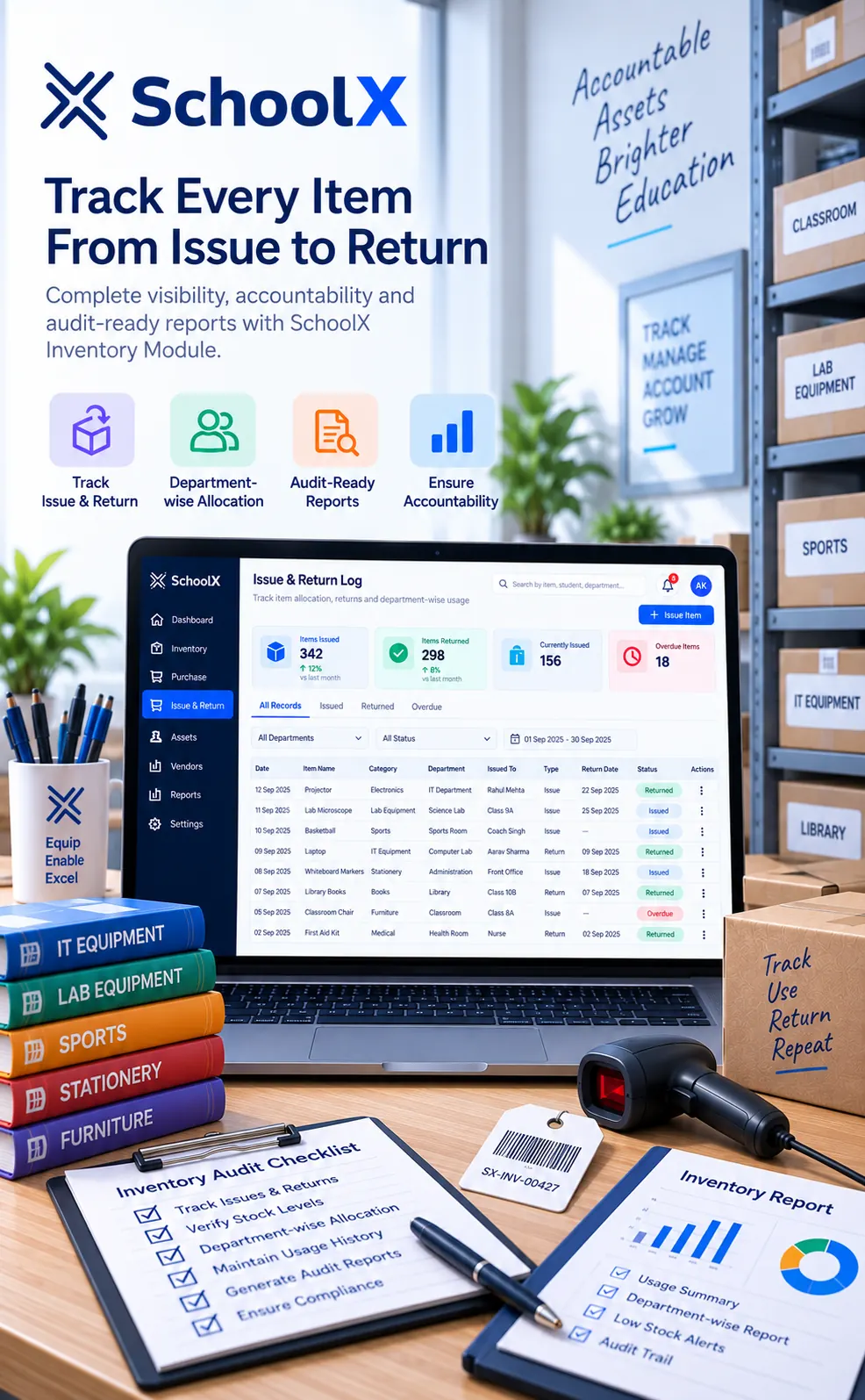
Yes — SchoolX allows schools to classify and track consumable items (like stationery) separately from non-consumable assets (like furniture or lab equipment), each with appropriate tracking rules.
Yes, SchoolX can be configured with low stock thresholds that trigger alerts, helping schools reorder before a shortage disrupts daily operations.
Yes, issue-return tracking records exactly which department, classroom, or staff member an item was issued to, along with return status for reusable equipment.
Yes, centralized stock records, purchase history, and depreciation tracking make it significantly easier to compile accurate reports for internal or external audits.
Yes, SchoolX supports vendor-linked purchase orders with configurable approval workflows, so procurement follows your school's actual authorization process.