
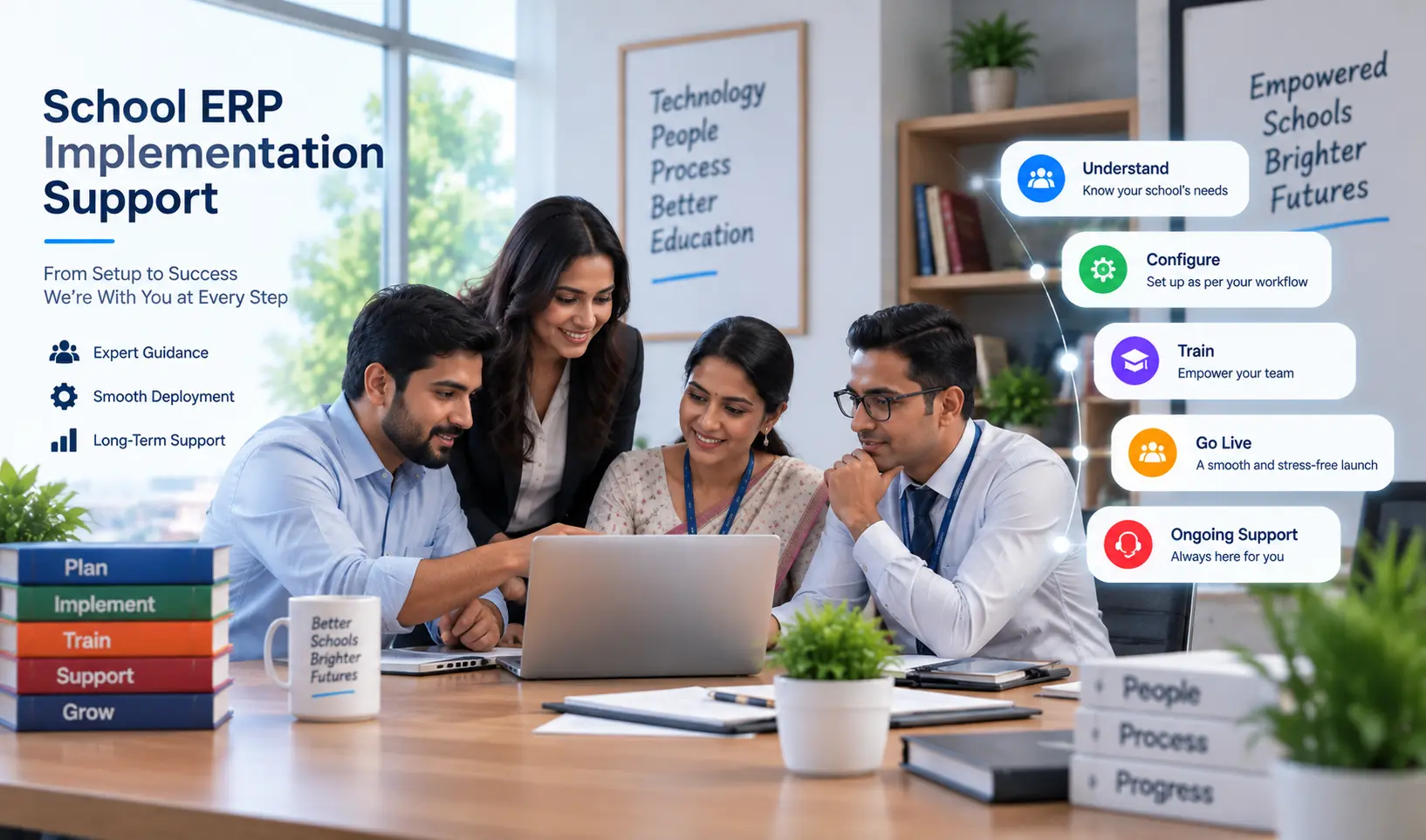
School ERP Implementation Support: What to Expect from Your Vendor
Table of Contents
- What Is School ERP Implementation Support?
- Why Implementation Support Makes or Breaks an ERP Rollout
- What Proper Implementation Support Should Include
- Questions to Ask a Vendor About Implementation Support
- A Realistic Implementation Timeline
- How SchoolX Approaches Implementation Support
- Conclusion
- Frequently Asked Questions
Choosing a school ERP is only half the decision. The other half — often underestimated until it's actually happening — is implementation: getting your school's real data into the system, training staff who've never used it before, and making sure the switch doesn't disrupt daily operations while it's underway.
This is where the quality of a vendor's implementation support matters as much as the software's feature list. A powerful ERP with a poorly supported rollout can leave a school with messy data, confused staff, and a system that never gets properly adopted. This guide covers what genuine implementation support should look like, so you know what to expect — and what to ask for — before signing with any vendor.
What Is School ERP Implementation Support?
School ERP implementation support refers to the services a vendor provides to help a school actually get up and running on the new system — beyond just handing over login credentials and a user manual. This typically includes data migration assistance, system configuration to match the school's specific structure, staff training, and support during the initial period after go-live.
The distinction matters: buying software is a transaction. Implementation is a process — and a vendor genuinely invested in your success should treat it as one, not as an afterthought once the contract is signed.
Why Implementation Support Makes or Breaks an ERP Rollout
Schools that receive strong implementation support tend to have smoother, faster adoption. Schools left to figure things out largely on their own often experience:
- Incomplete or messy data migration. Without dedicated support, schools attempting to migrate their own records from spreadsheets or a previous system risk incomplete transfers, formatting errors, and duplicate records that surface as problems months later.
- Low staff adoption. If teachers and office staff aren't properly trained, many quietly revert to their old habits — keeping a personal spreadsheet "just in case" — undermining the entire point of switching systems.
- Configuration mismatches. Every school has its own fee structures, grading systems, and academic calendar quirks. A system configured generically, without proper implementation support to tailor it to the school's actual policies, creates friction from day one.
- Delayed or chaotic go-live. Without a structured implementation plan, schools can end up scrambling — trying to run both old and new systems simultaneously with no clear plan for when the switch is actually complete.
What Proper Implementation Support Should Include
Requirements Gathering and Planning
Before any technical work begins, a vendor should understand your school's specific structure — number of students, classes, fee policies, board affiliation, existing systems — to plan the implementation accordingly, rather than applying a one-size-fits-all rollout.
Data Migration Assistance
This is one of the most valuable parts of implementation support. Rather than leaving a school to manually re-enter years of student, fee, and academic records, a vendor's implementation team should help audit, clean, and import existing data — whether it's coming from spreadsheets, paper records, or a previous ERP system.
System Configuration
Setting up the ERP to match your school's actual policies — fee structures, grading formats, class and section naming, report card templates — rather than a generic default configuration that doesn't reflect how your school actually operates.
Staff Training
Role-specific training for teachers, office staff, and administrators, covering the parts of the system relevant to their daily work — not a single generic walkthrough covering every feature regardless of who needs what.
Parallel Run Support
Guidance and support during a transition period where the new system runs alongside existing processes, allowing staff to build confidence before fully retiring the old way of doing things.
Post-Launch Support
Continued access to support after go-live — not just during the initial onboarding — since real usage questions and edge cases typically surface once staff are using the system for actual daily work, not during a training session.
Questions to Ask a Vendor About Implementation Support
- Is implementation support included in the subscription cost, or charged separately? Some vendors bundle this in; others treat it as a paid add-on — important to know upfront for budgeting.
- Will a dedicated person or team handle our onboarding, or are we routed through a general support queue with no continuity?
- What does the data migration process actually involve — do they extract and clean data from our existing spreadsheets, or is that still our responsibility?
- How long does implementation typically take for a school our size, and what does that timeline actually cover?
- What kind of support is available after go-live — and for how long is it included before additional charges apply?
A Realistic Implementation Timeline
While this varies by school size and how organized existing data is, a reasonably structured implementation typically follows this shape:
- Requirements gathering and planning — understanding the school's structure and needs
- Data audit and migration — cleaning and importing existing student, staff, and fee records
- System configuration — setting up fee structures, academic calendars, and role-based access
- Staff training — role-specific sessions for teachers, office staff, and administrators
- Parallel run — a transition period running alongside existing processes
- Go-live and post-launch support — full cutover with continued support as staff adjust to real daily use
Schools with clean, well-organized existing data tend to move through this faster than those digitizing years of paper records for the first time.
How SchoolX Approaches Implementation Support
SchoolX ERP treats implementation as a structured, supported process rather than something schools are left to manage alone. Our team works directly with your administrative staff to understand your school's specific fee structures, academic calendar, and existing data before migration begins — mapping records from spreadsheets, paper registers, or a previous system into SchoolX rather than requiring your team to manually re-enter everything.
Training is delivered by role, so teachers, office staff, and administrators each learn the parts of the system relevant to their daily work, and a parallel-run period is supported so your school can build confidence in the new system before fully retiring old processes. Support continues after go-live, since most genuine usage questions surface once staff are working with real students and real data, not during an initial training session.
If your school is currently evaluating ERP vendors and implementation support is part of your decision, our School ERP Software page covers the full platform, or you can book a free demo to discuss what implementation would look like for your specific school.
Conclusion
Implementing a new school ERP is a significant transition, but it doesn't have to be overwhelming. The difference between a chaotic rollout and a smooth adoption almost always comes down to the quality of implementation support provided by the vendor. By asking the right questions upfront and ensuring your vendor offers comprehensive data migration, role-based training, and post-launch assistance, you set your school up for long-term success. Remember, you aren't just buying software—you are partnering with a team that should be as invested in your school's operational efficiency as you are.
Frequently Asked Questions
This varies by vendor — some include implementation support as part of the subscription, while others charge it separately as a one-time onboarding fee. It's worth clarifying this specifically before signing, since it affects your total first-year cost.
This depends on school size and how organized existing data already is, but many schools can expect a phased implementation over several weeks, from initial planning through go-live and early post-launch support.
A vendor providing genuine implementation support should actively assist with data migration — auditing, cleaning, and importing existing records — rather than leaving schools to manually re-enter years of information themselves.
Reputable vendors provide ongoing support beyond the initial onboarding period, though the specific terms (response times, channels, any additional cost) vary — this is worth confirming directly before choosing a vendor.
Yes, switching from an existing ERP is a common scenario, and proper implementation support should include migrating data from your previous system, not just from manual records.
Looking for a school ERP built specifically for Indian schools with robust implementation support? See how SchoolX ERP simplifies your rollout or book a free demo to discuss your specific needs.