
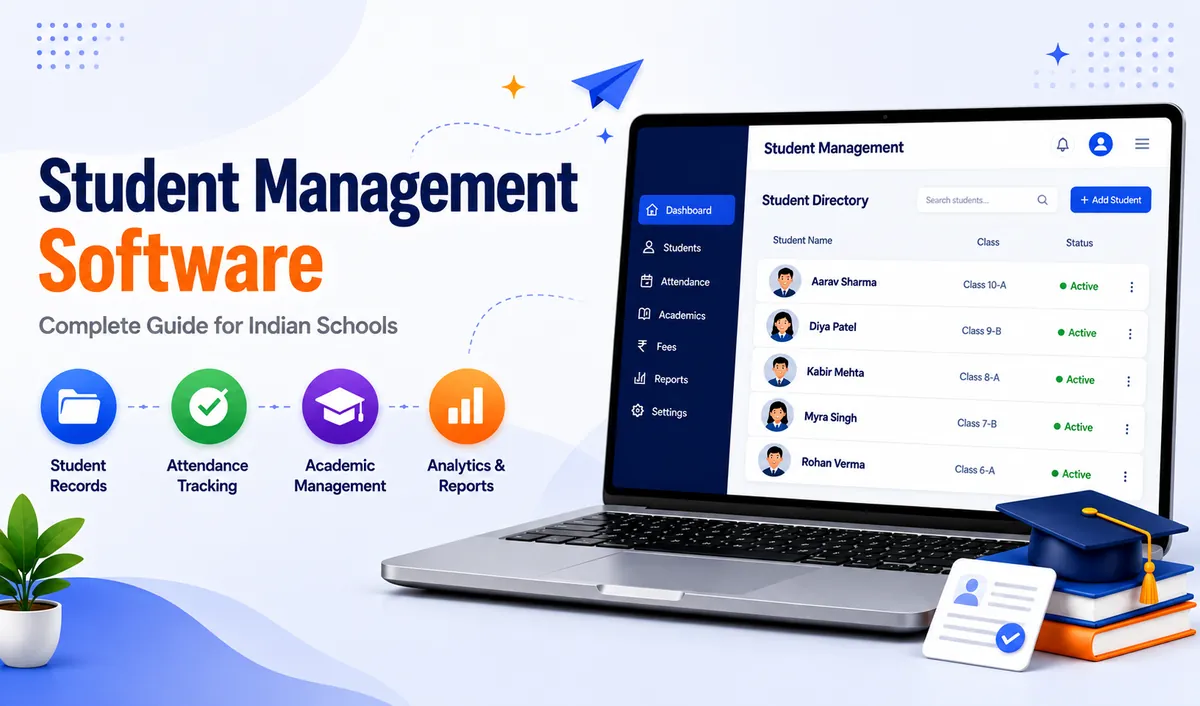
Student Management Software: A Complete Guide for Indian Schools
Key Takeaways & Executive Summary
- Definition: Student management software centralizes every piece of student data — admission details, attendance, academics, fees, and communication — into one searchable digital profile.
- Terminology: "Student management software," "student information system (SIS)," and "school MIS software" are largely interchangeable; a school ERP is the broadest term, with student management as its foundation.
- Must-Have Features: Core student records, attendance management, academic tracking, searchable database & reporting, parent access, and role-based data security.
- Solution: SchoolX ERP integrates student management into a full-platform ERP — so student profiles connect directly to fee collection, academics, HR, and communication.
Table of Contents
- What Is Student Management Software?
- Student Management Software vs. SIS vs. School ERP
- What Should Student Management Software Actually Include?
- Why Schools Are Moving Away from Manual Student Records
- Best Software for School Records: What to Look For
- How SchoolX Handles Student Management
- Frequently Asked Questions (FAQs)
If you've spent any time searching for ways to modernize your school, you've probably run into a wall of overlapping terms — student management software, student information system, student record management system, school MIS software. They all sound similar, they're often used interchangeably, and most articles online don't actually explain what any of them mean in practice.
This guide cuts through that. We'll cover what student management software actually is, what it should include, how it differs from a full school ERP, and what to look for before you choose one — with enough real detail that you'll walk away knowing exactly what to search for and ask about next.
What Is Student Management Software?
At its core, student management software is a digital system that stores and organizes every piece of information related to a student's journey through your school — admission details, class and section assignment, attendance, academic performance, fee records, and communication history — all in one searchable, centralized database.
Before this kind of software existed, schools tracked this information across paper registers, admission files, separate Excel sheets for attendance and fees, and whatever notes individual teachers kept for themselves. The problem was never that schools lacked data — it's that the data lived in a dozen disconnected places, making it slow to access and easy to lose track of. (If your school is still doing this, here's a practical guide on migrating from Excel to a School ERP.)
A student management system solves this by giving every student a single digital profile that every relevant department — admissions, academics, accounts, transport — can access and update, all pulling from the same accurate source.
Student Management Software vs. Student Information System vs. School ERP
These terms get used loosely, and it's worth being precise, because it changes what you should actually be searching for and comparing.
Student management software typically refers to the core functionality of managing student records — profiles, attendance, academic history, and basic reporting.
Student information system (SIS) is largely the same concept, just a term more commonly used internationally; in practice, most vendors use "student management software" and "SIS" to mean the same thing.
School MIS (Management Information System) software is a slightly broader term, referring to the systems a school uses to manage information across operations — which usually includes student records, but also extends into staff data, financial reporting, and administrative decision-making support.
School ERP (Enterprise Resource Planning) is the broadest of these terms. A school ERP includes student management as one module among many — attendance, fees, HR and payroll, communication, transport, examinations, and more, all integrated into a single platform. (For a full breakdown, see our guide to the top 30 essential modules of a modern school ERP system.)
In practice, if you're a growing school evaluating software today, you're rarely looking for student management alone — you're looking for a system that handles students and the operational load around them. That's effectively what a modern school ERP is, with student management as its foundation.
What Should Student Management Software Actually Include?
Not every product marketed under this term covers the same ground. Here's what a genuinely useful student database management system should handle:
Core Student Records
- Complete student profiles (personal details, contact information, guardian details)
- Class, section, and academic year assignment
- Admission and enrollment history
- Document storage (birth certificates, transfer certificates, previous school records)
- Unique student ID generation and tracking
Attendance Management
- Daily attendance marking (manual, biometric, or RFID-based)
- Attendance percentage tracking and defaulter reports
- Parent notifications for absences (via SMS, email, or app alerts)
- Class and section-wise attendance summaries
Academic Performance Tracking
- Exam results and grade recording
- Report card generation (CBSE/ICSE/State Board formats)
- Subject-wise performance history across terms and years
- Performance trend tracking for individual students and cohorts
Student Database Search & Reporting
- Searchable student directory by name, class, section, or ID
- Custom filters (e.g., students with pending fees, low attendance, upcoming exams)
- Exportable reports for audits, board submissions, or internal review
Communication & Parent Access
- Parent access to their child's records via app or portal
- Automated alerts for attendance, exam schedules, and academic updates
Data Security
- Role-based access (teachers see their students; admins see everything)
- Secure, encrypted storage of sensitive student data
- Audit trails for who accessed or modified records
If a "student management software" you're evaluating is missing several of these, it's likely a stripped-down record-keeping tool rather than something that will genuinely reduce your administrative workload.
Why Schools Are Moving Away from Manual Student Records
Manual and spreadsheet-based student record-keeping tends to break down in predictable ways as a school grows:
Data gets fragmented. Attendance lives in one register, academic records in another folder, admission documents in a filing cabinet. No single person has a full picture of any one student without cross-referencing multiple sources.
Errors compound over time. A wrongly entered date of birth or a missed attendance mark in Class 6 can follow a student's file for years, surfacing as a problem only when it matters most — like during a transfer certificate request.
Reporting becomes a manual task. Need to know how many students in Class 8 have attendance below 75%? With paper records, that's an afternoon of manual counting. With a proper student database management system, it's a filtered search that takes seconds.
Handovers are painful. When staff change roles or leave, institutional knowledge about specific students — who's been struggling, whose fees are overdue, whose documents are missing — often leaves with them if it was never properly logged in a shared system.
A good student management platform doesn't just digitize these records — it makes them genuinely useful, searchable, and consistent regardless of who's looking at them or when. If you're ready to move beyond spreadsheets, our guide on migrating from Excel to a school ERP walks through the practical steps.
Best Software for School Records: What to Look For
If you're specifically comparing options for "best software for school records" or "best student management software," here's a practical checklist. (For a more detailed framework, see our guide on how to choose the right school ERP software.)
- Does it centralize records, or just digitize them separately? Some tools simply move your existing spreadsheets online without actually connecting attendance, academics, and fees into one profile per student.
- Is it built for Indian school workflows? CBSE/ICSE/State Board report card formats, INR-based fee structures, and Indian academic calendars matter — a generic international tool often doesn't fit cleanly.
- Can it scale with your school? A system that works for 300 students should still perform well at 3,000, without needing a platform switch later.
- Is it part of a broader ERP, or a standalone tool? Standalone student management software often means you'll still need separate systems for fees, HR, and communication — creating the same fragmentation problem you were trying to solve.
- How's the mobile experience? Teachers and parents increasingly expect app-based access, not just a desktop portal.
You can also compare leading platforms side-by-side in our review of the top 10 smart school ERP software in India or check which school ERP apps work best on Android and iOS.
How SchoolX Handles Student Management
SchoolX ERP's student management module is built around exactly this principle: one student profile, connected to every other part of the school's operations — not a standalone record-keeping tool bolted onto separate systems.
Every student's academic history, attendance, fee status, and communication log live in a single searchable profile, accessible to the right staff member based on their role. Reports that would take hours to compile manually — attendance defaulters, fee dues by class, academic performance trends — are available as filtered views in seconds.
Because student management sits inside the same platform as fee collection, HR, and communication (rather than as a separate product), data doesn't need to be manually reconciled between systems. A student's attendance record and their fee status are visible on the same profile, not in two different tools that don't talk to each other.
SchoolX also supports advanced tracking through RFID-based attendance and biometric integration, giving schools real-time entry/exit visibility with automatic parent notifications — all connected to the same student profile.
If your school is currently managing student records across spreadsheets, paper files, or a patchwork of disconnected tools, our School ERP Software page covers the full platform, or you can book a free demo to see how student records, attendance, and academic tracking work together in practice.
Frequently Asked Questions (FAQs)
Not exactly — student management software typically refers to the core functionality of managing student records, while a school ERP is a broader platform that includes student management alongside fees, HR, communication, and other operational modules.
These terms are largely used interchangeably in practice. "Student information system" (SIS) is more common internationally, while "student management software" is the more commonly searched term in India — both generally refer to the same core functionality.
A well-built system should handle both — academic performance and attendance, as well as administrative data like admission documents, contact details, and fee status — all connected to the same student profile rather than kept in separate tools.
For most schools, yes — cloud-based systems allow access from anywhere, don't require local server maintenance, and typically include automatic backups and updates, which offline or on-premise systems require the school to manage manually. SchoolX ERP is fully cloud-based, so your data is accessible securely from any device without any local infrastructure.
This depends on how organized your current records are, but most schools can expect a phased migration over a few weeks, with a data cleanup and validation step before records go live in the new system. For a step-by-step walkthrough, see our guide on migrating from Excel to a school ERP.
Final Thoughts
Choosing the right student management software isn't just about digitizing records — it's about building a foundation that every other part of your school's operations can rely on. The best systems connect student data to fees, attendance, academics, and communication in one place, so your team spends less time looking for information and more time using it. If you're ready to see how it works, book a free demo with SchoolX today.