
Best Software for School Records: Complete Guide for Schools
Key Takeaways & Executive Summary
- The Real Problem: Schools generate enormous volumes of records — admission forms, certificates, contracts, mark sheets, medical records, compliance documents — and keeping them organized across years and thousands of students is one of the hardest administrative challenges.
- Beyond Student Management: This isn't just a "student management" problem — it's a records problem encompassing student, staff, financial, compliance, and health documents, each with different retention, access, and retrieval requirements.
- Must-Have Features: Centralized searchable storage, document upload & digitization support, role-based access control, retention & compliance tracking, secure backup, audit trails, and integration with broader school operations.
- Solution: SchoolX ERP treats records management as a core part of the platform — every student and staff profile includes secure document storage, searchable and accessible based on each user's role, connected to fees, academics, HR, and communication.
Table of Contents
Every school generates an enormous amount of paperwork — admission forms, transfer certificates, staff contracts, exam mark sheets, fee receipts, medical records, board compliance documents, and more. Individually, each record seems manageable. Collectively, across hundreds or thousands of students and years of history, it becomes one of the hardest things for a school to keep organized.
This isn't really a "student management" problem in the usual sense — it's a records problem. Where is a document stored? Who's allowed to see it? How do you find one specific transfer certificate from three years ago in under a minute, instead of an afternoon? This guide focuses specifically on that: what good school records software actually needs to handle, and what to look for before choosing one.
What Counts as a "School Record"?
Before evaluating software, it helps to be clear about the sheer range of documents a school is actually responsible for:
Student Academic Records
- Mark sheets, report cards, transfer certificates
- Previous school records, subject enrollment history
Admission and Enrollment Documents
- Application forms, birth certificates, admission proof
- Category/reservation certificates, photographs
Attendance Records
- Daily attendance logs, leave applications
- Medical certificates for absences
Financial Records
- Fee receipts, payment history
- Scholarship and concession documentation, refund records
Staff Records
- Employment contracts, qualification certificates, ID proofs
- Performance reviews, leave records
Compliance and Regulatory Documents
- Board affiliation certificates, safety compliance records
- Inspection reports, government correspondence
Health and Safety Records
- Student medical information, emergency contact details
- Vaccination records where applicable
Each of these has different retention requirements, different access sensitivity, and different people who need to find them quickly. A "records management" system that only handles one or two of these categories well isn't solving the actual problem most schools face.
Why Manual Records Systems Break Down
Paper filing cabinets and scattered digital folders tend to fail in the same predictable ways, regardless of how organized a school's admin team is:
Retrieval takes too long. Finding a specific document — a five-year-old transfer certificate, a particular staff contract — often means physically searching through filing cabinets or digging through poorly named computer folders, sometimes taking an entire afternoon for something that should take seconds.
Records get lost or damaged. Paper documents are vulnerable to fire, water damage, misplacement, and simple wear over time. A single filing cabinet fire can permanently destroy years of irreplaceable student history.
Access isn't controlled. With physical files or shared computer folders, it's often unclear who has actually accessed a sensitive record — a student's medical information, a staff member's personal documents — and controlling that access consistently is difficult without a proper system.
Compliance becomes a scramble. When a board inspection or audit requires specific documentation on short notice, manually assembling scattered records across departments becomes a stressful, time-consuming scramble rather than a quick export.
No backup exists by default. Unless someone actively maintains a separate backup process, most paper and informal digital record systems have no real disaster recovery plan — if something happens to the original, it's simply gone.
If your school is still managing records through filing cabinets or a patchwork of spreadsheets and shared folders, our guide on migrating from Excel to a school ERP walks through the practical steps of making the transition.
What to Look for in School Records Software
Not every product that claims to manage "school records" actually covers the same ground. Here's a practical checklist:
Centralized, Searchable Storage
Records should live in one system, searchable by student name, staff name, document type, date, or category — not scattered across departmental folders that only certain staff know how to navigate.
Document Upload and Digitization Support
The software should make it easy to scan and upload existing paper records, not just generate new digital ones going forward. Most schools have years of historical paper records that need a path into the new system.
Role-Based Access Control
A teacher shouldn't be able to see a staff member's employment contract. An accountant doesn't need access to a student's medical records. Good records software enforces these boundaries automatically, based on each user's role — not by relying on everyone using good judgment.
Retention and Compliance Tracking
Certain records need to be retained for specific periods due to regulatory requirements. Good software should help track retention timelines rather than leaving schools to remember this manually.
Secure Backup and Disaster Recovery
Records should be backed up automatically and stored redundantly — not dependent on a single server or filing cabinet that could be damaged or lost.
Audit Trails
For sensitive records, the system should log who accessed or modified a document and when — important both for security and for demonstrating compliance during an inspection or dispute.
Integration with Broader School Operations
Ideally, records shouldn't sit in an isolated silo. A student's academic records should connect naturally to their admission history, attendance, and fee records — rather than requiring staff to cross-reference multiple disconnected systems. (For a more detailed framework on evaluating integrated platforms, see our guide on how to choose the right school ERP software.)
Digital Records vs. Paper Records: A Practical Comparison
| Factor | Paper Records | Digital Records Software |
|---|---|---|
| Retrieval speed | Minutes to hours | Seconds |
| Risk of physical loss/damage | High (fire, water, misplacement) | Low (redundant digital backups) |
| Access control | Difficult to enforce consistently | Role-based, automatically enforced |
| Space required | Physical storage, filing cabinets | Minimal (cloud-based) |
| Audit trail | Rarely maintained | Automatic logging |
| Scalability | Becomes harder as records accumulate | Scales without added physical space |
| Disaster recovery | Often nonexistent | Built-in with cloud backups |
Digitizing Existing Paper Records: A Realistic Approach
Most schools don't need to digitize every historical record on day one. A more realistic approach:
- Start with active records — current students, current staff, current academic year — since these are accessed most frequently.
- Digitize high-risk categories first — documents that would be genuinely difficult or impossible to recreate if lost, like original admission documents or compliance certificates.
- Digitize older records gradually, as time and resources allow, rather than treating full digitization as a prerequisite for switching systems.
- Keep physical originals where legally required, even after digitizing — some document types may still need to be retained in original paper form depending on local regulations.
For a step-by-step walkthrough of the migration process, including data cleanup and validation, see our guide on migrating from Excel to a school ERP.
How SchoolX Handles School Records
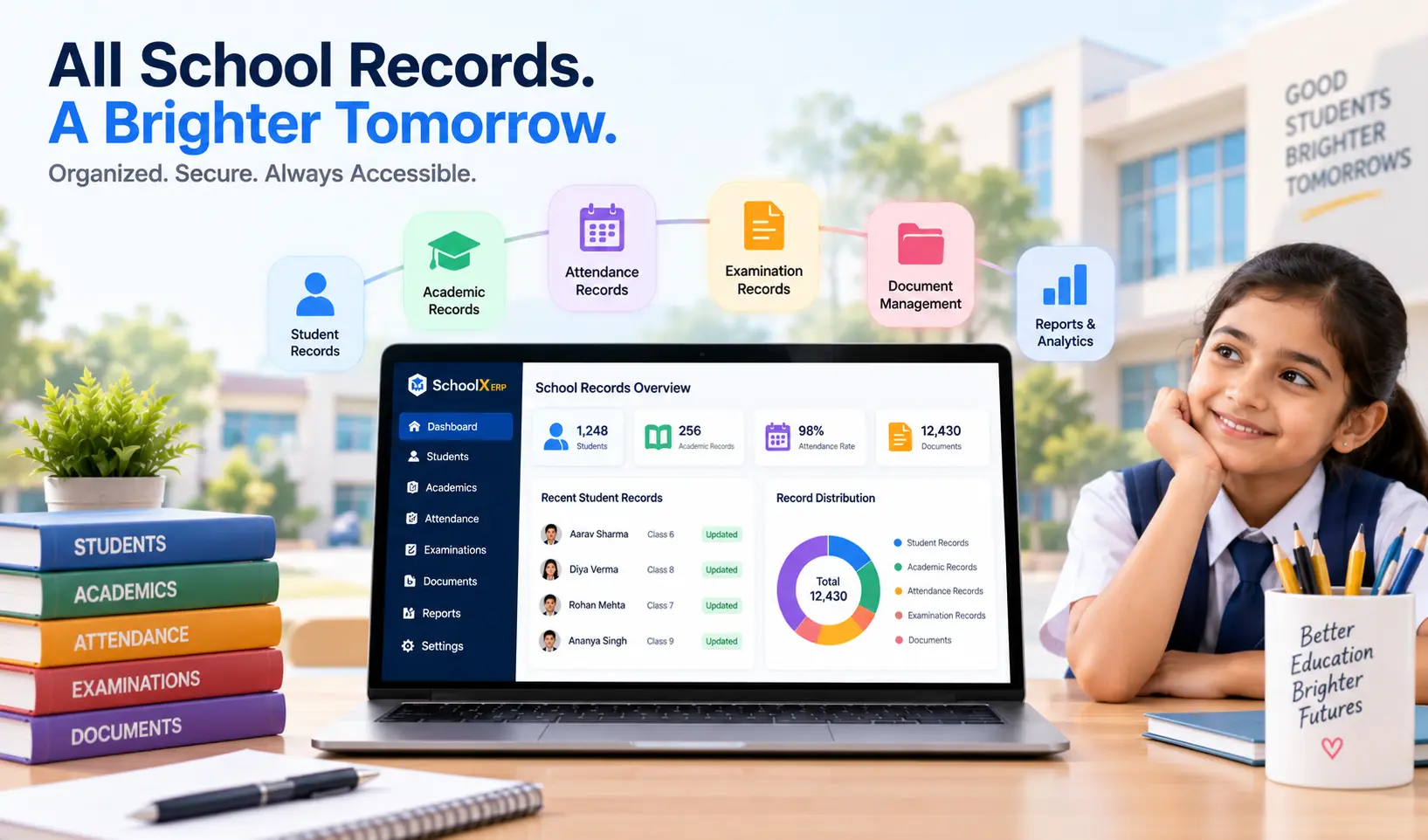
SchoolX ERP treats records management as a core part of the platform, not an afterthought bolted onto student management. Every student and staff profile includes secure document storage — admission papers, certificates, contracts, and academic history — searchable and accessible based on each user's role.
Because records live inside the same platform as attendance, fees, academics, and HR, a document isn't stranded in an isolated filing system — a student's transfer certificate, their attendance history, and their fee records all connect to the same profile, accessible to the right staff member without needing to check multiple separate tools.
If your school is currently managing records through filing cabinets, shared drives, or a mix of both, our School ERP Software page covers the full platform, or you can book a free demo to see how document storage and retrieval work in practice.
Frequently Asked Questions (FAQs)
Yes — good records software should support uploading scanned copies of existing paper documents in addition to storing digitally-generated records, since most schools have years of historical paperwork that needs a path into the new system.
Retention requirements vary depending on the type of record and applicable regulations, but many academic and compliance records are expected to be retained for extended periods, sometimes permanently for core academic history. Schools should confirm specific requirements with their board or relevant regulatory body.
For most schools, yes — reputable cloud-based providers typically invest more heavily in encryption, access controls, and backup infrastructure than an individual school could replicate with physical filing systems or a self-managed local server. SchoolX ERP is fully cloud-based with enterprise-grade security built in.
No — most schools digitize gradually, prioritizing active students, current staff, and high-risk document categories first, rather than treating complete digitization as a prerequisite for adopting new software. For a step-by-step walkthrough, see our guide on migrating from Excel to a school ERP.
Yes, role-based access control is a standard feature in proper records management software — ensuring, for example, that only authorized staff can view sensitive documents like medical records or staff contracts, while teachers can access only the student records relevant to their classes.
Final Thoughts
Choosing the right software for school records isn't just about going paperless — it's about building a system where every document is findable in seconds, access is properly controlled, backups happen automatically, and compliance can be demonstrated on demand rather than assembled in a scramble. If you're ready to see how it works, book a free demo with SchoolX today.