
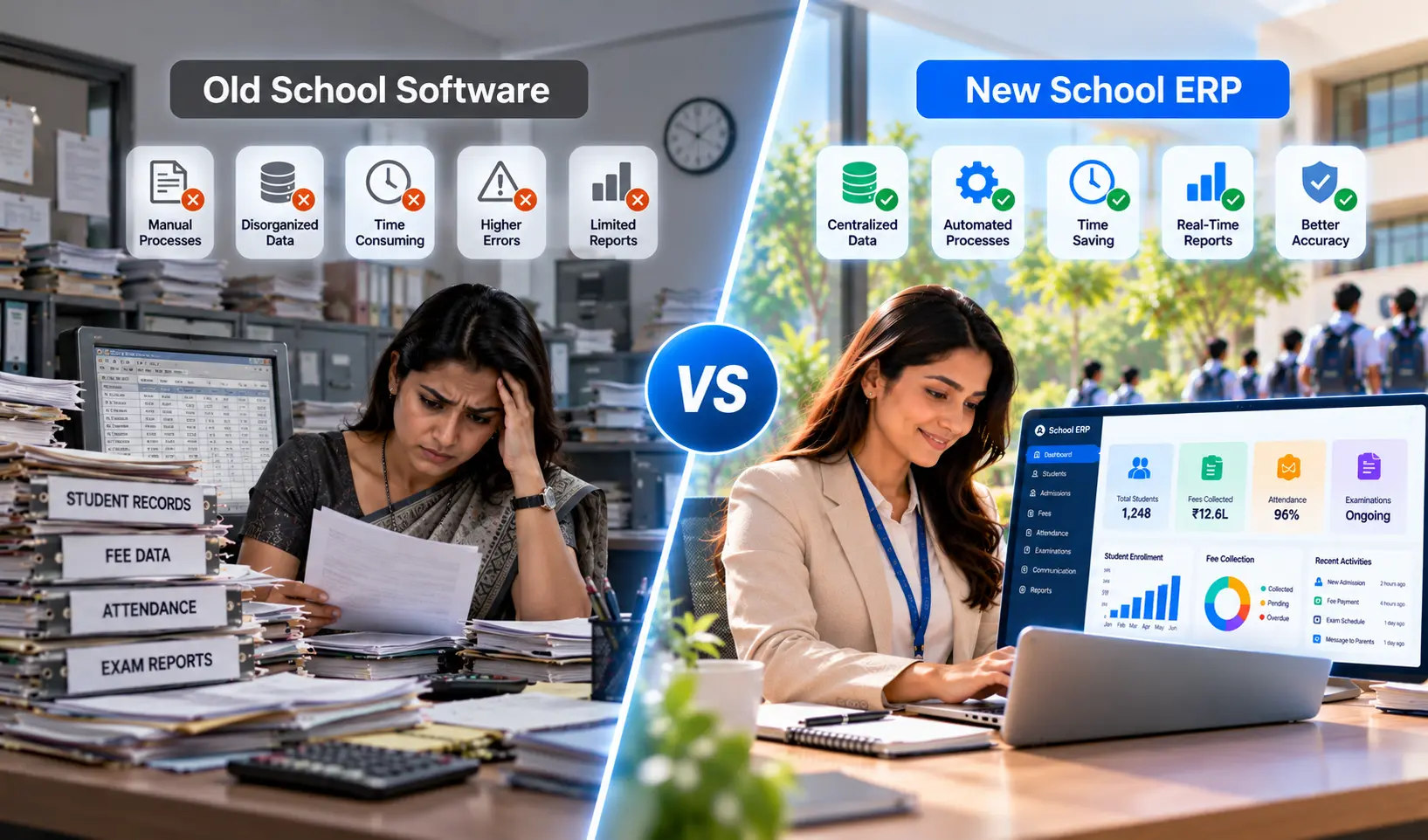
Old School Software vs New ERP: When Should a School Make the Switch?
Key Takeaways & Executive Summary
- Recognise the Warning Signs: Workarounds for everyday tasks, reliance on a single staff member who "knows how it works", and multiple disjointed tools are classic signs of outgrown software.
- Upgrade vs. Replace: If an upgrade requires re-entering data and building workflows from scratch anyway, evaluate competing modern ERP solutions rather than defaulting to your current vendor.
- Protect Student Data: Housing critical student records and financial ledgers on a single unprotected desktop PC creates catastrophic vulnerability to hardware failure and theft.
- Modern Cloud Advantages: Cloud ERP consolidates admissions, fees, academics, and communication into a unified student profile with real-time parent apps and on-demand reporting.
- Smart Timing: The cleanest window to transition is between terms or at the beginning of an academic session—avoiding exam periods and peak fee collection deadlines.
Table of Contents
"Old school software" can mean a lot of things. For one school it's a fee-billing program installed on a single office computer. For another it's four separate tools: one for fees, one for attendance, one for SMS, one for exam results. For a third it's an early ERP that was impressive a decade ago and hasn't changed much since.
What they share is a feeling. Everything still works, mostly. But there's a workaround for everything, one staff member who "knows how it works", and a growing sense that the school is working around its software instead of with it.
This guide compares that older world with a modern cloud ERP, and tries to answer the practical question: when is it worth switching?
If you already know you want to leave and need help deciding how, see our guide on how to replace your existing school ERP. This guide is more about recognising what you have and what it's costing you.
What "Old" Usually Looks Like
Legacy systems take multiple forms in educational institutions. Most commonly, schools find themselves dealing with one or more of the following setups:
- Desktop software on one computer. It runs on a single office PC. If that machine is busy, broken or stolen, work stops. Access from home or from another room isn't possible, and backups often live on the same machine.
- A separate tool for each job. Fees in one program, attendance in another, messages through a different portal. Every student exists in several places, and someone has to keep them consistent by hand.
- An early ERP that stopped evolving. It does the basics, but the interface is dated, there's no real mobile app, and requests for new features go nowhere.
- Spreadsheets held together with accounting software. Flexible, and fine at first, but increasingly fragile as the school grows.
How They Compare: Older Setup vs Modern Cloud ERP
Understanding the gap between legacy tools and modern solutions helps highlight where friction originates in daily operations:
| Feature / Dimension | Older Setup | Modern Cloud ERP |
|---|---|---|
| Access | One computer or office network | Any device with internet, with role-based logins |
| Backups | Manual, often on the same machine | Automatic, stored securely away from the school |
| Updates | Rare, or a paid multi-month project | Ongoing, seamlessly handled by the vendor |
| Student data | Scattered across disparate tools & registers | One unified, centralized profile per student |
| Parents | Phone calls, circulars, paper receipts | Mobile app with fees, attendance, homework & instant messages |
| Reports | Compiled by hand over hours or days | Generated on demand in real time |
| Growth | Gets slower, clunkier, and messier | Scales effortlessly with new students, classes, and sections |
| Knowledge | Lives in one or two people's heads | Shared institutional memory with consistent, standardized processes |
| Support | Hit or miss, often unresponsive | Defined SLAs, dedicated account management, and ongoing support |
That table is the ideal. Not every cloud product delivers all of it, and some older systems are better maintained than their reputation suggests. Judge the specific product, not the label.
Upgrade or Replace? How to Decide
Sometimes your current vendor offers a newer version. That can be the right path, but check before assuming it is.
An upgrade makes sense when:
- The vendor is actively developing the product and has a clear development roadmap
- The upgrade keeps your data and operational setup largely intact
- Staff training needs are modest and straightforward
- The price is reasonable for the value and improvements you receive
Treat it as a replacement when:
- The "new version" is effectively a completely different product that needs fresh setup and data migration from scratch
- You'd be redoing most of the implementation work anyway
- The vendor's support or responsiveness is already a persistent problem
That second case matters. If the work of "upgrading" is the same as the work of switching, you should compare your vendor's new version against other options. You may find a much better fit for the same effort.
Signs It's Time to Switch
You don't need all of these, but several together is a strong signal that your current software is costing you more than a switch would:
- Staff keep personal spreadsheets "just in case" the software fails or loses data
- Reports take hours, or someone has to build them manually every month
- Parents regularly complain about fees, communication, or simply not knowing what's happening at school
- Only one or two people understand how the system works, creating severe operational bottlenecks
- The vendor is slow to respond, dismissive of bug reports, or has stopped updating altogether
- Student data lives on one computer with no reliable, off-site backup
- Adding a new section, an additional branch, or a new fee structure means an administrative struggle
- You're paying for several separate tools that perform overlapping functions
Student data deserves particular care. It includes personal and sensitive information about children, and keeping it on a single unprotected office computer is a risk worth taking seriously, whatever the software looks like.
Signs It's Not (Yet) Time to Switch
Switching isn't always the answer right away. Pause and reconsider if:
- Problems come mostly from missing training, not missing features (retraining can often solve the friction)
- Only one department is unhappy while the rest of the school functions smoothly
- You're switching simply because a new product looks exciting, without a clear, objective list of problems you want solved
- You're about to enter an intensely busy period like exams or board-class registration (it's far better to wait)
Timing the Switch
Many schools do best switching at the start of a session, or between terms, when there's room to breathe. Avoid exam weeks, results publication, and peak fee deadlines. If you need a comprehensive project plan, our school ERP implementation guide walks through one step by step.
Making the Move Safely
The biggest worry for administrators is usually data. Planning for it removes most of the risk: audit what you have, clean it up, test an import, verify the records, and run both systems side by side for a while. We cover this in depth in how to switch without losing your data and provide a detailed data migration checklist.
Where SchoolX Fits
SchoolX is a modern cloud-based ERP that brings admissions, fee collection, academics, attendance, parent communication, HR and payroll, transport, and inventory into one connected system, with dedicated apps for parents, teachers, and administrators.
If you're moving from older software, our team helps with data migration, system configuration, and role-based staff training. In addition, our implementation team visits your campus for hands-on onboarding. You can read more about this on our implementation support page.
To see how your current setup would translate, you can book a free demo or explore our School ERP Software overview. Furthermore, schools that subscribe and don't have a modern website also receive a free basic one; learn more under website designing.
Evaluate Your School's Software
Wondering if your current software setup is holding your school back? Explore the complete platform on our School ERP Software page, or review how to replace your existing school ERP with minimal friction.
Ready to see modern cloud ERP in action? Book a free demo today and our onboarding specialists will show you exactly how easy migrating off legacy tools can be.
Frequently Asked Questions (FAQs)
When the software is limiting daily work or growth: dependence on one computer, scattered data across different tools, poor support, staff workarounds, or parents consistently frustrated. Several of these signs together usually mean it's time to make the switch.
An upgrade is reasonable if the vendor is actively developing the product and your data and setup carry over easily. If the upgrade means redoing most of the setup and migration anyway, compare it against other modern options to get the best value for your effort.
Yes, and it's a good idea. Running the old system alongside the new one for a few weeks lets you verify data, validate fee records, and gives staff a safe fallback while getting accustomed to the new platform.
Desktop software runs on specific computers and usually covers one function with manual backups. A cloud ERP is accessed securely through the internet from any authorised device, provides automatic off-site backups, and connects many administrative and academic functions around one unified student record.
Not if the move is planned properly. Most data loss comes from skipping the audit, rushing the cut-over, or retiring the old system too early without adequate verification and parallel testing.