
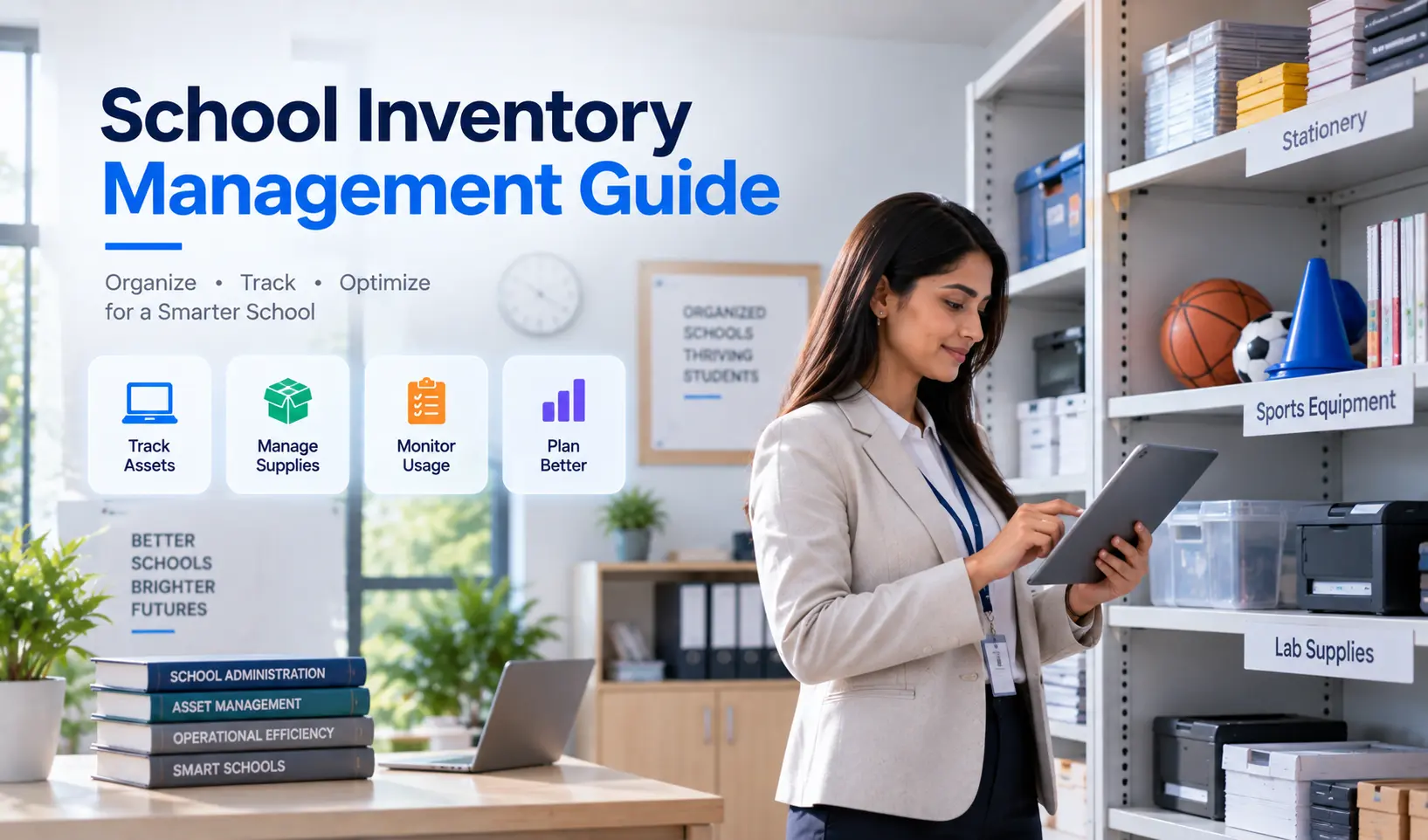
School Inventory Management: Complete Guide for Schools
Key Takeaways & Executive Summary
- Scope: School inventory covers consumables (stationery, lab chemicals), non-consumable assets (furniture, computers, sports equipment), library resources, and infrastructure-linked items — each with different tracking needs.
- Why Manual Fails: Scattered department-level registers create no single source of truth, items go missing without notice, reordering is reactive, and audits become a scramble.
- Must-Have Features: Centralized asset register, low-stock alerts, purchase order & vendor management, issue-return tracking, depreciation records, and audit-ready reporting.
- Solution: SchoolX Inventory Management gives schools one centralized system for stock, assets, purchases, and vendor records — integrated directly into the broader school ERP platform.
Table of Contents
- What Does "School Inventory" Actually Cover?
- Why Manual Inventory Tracking Breaks Down
- Key Features to Look for in School Inventory Software
- Consumables vs. Non-Consumables: Different Tracking Needs
- A Practical Approach to Getting Started
- How SchoolX Handles Inventory Management
- Frequently Asked Questions (FAQs)
Ask a school office to produce an accurate list of every item in the science lab, every set of sports equipment, or every desk and chair currently in use, and most struggle to answer quickly — not because the information doesn't exist, but because it's usually scattered across registers, individual department notes, and whatever a store-in-charge remembers. Inventory is one of those areas that quietly accumulates disorganization until an audit, a missing item, or an unexpected shortage forces attention onto it.
This guide covers what school inventory management actually involves, why manual tracking breaks down, and what to look for in software built to handle it properly. If your school is also evaluating broader operational systems, our guide on how to choose the right school ERP software provides a useful framework for the overall decision.
What Does "School Inventory" Actually Cover?
School inventory spans a wider range of items than people often assume:
Consumables — stationery, chalk, lab chemicals, cleaning supplies, and other items regularly used up and replenished.
Non-consumable assets — furniture, computers, projectors, lab equipment, sports gear, and musical instruments that are reused over years. These often overlap with the kind of assets tracked in a school's database management system.
Library and academic resources — textbooks, reference materials, and teaching aids (often tracked separately, but conceptually part of the same inventory discipline). Schools with digital academic management systems may already track some of this within their learning modules.
Infrastructure-linked items — items tied to specific rooms or departments, like lab apparatus assigned to the science department or sports equipment managed by the physical education department.
Each category has different tracking needs — a box of chalk doesn't need a depreciation schedule, but a set of computers does. Understanding these distinctions is also relevant when evaluating the essential modules of a modern school ERP system.
Why Manual Inventory Tracking Breaks Down
No single source of truth. When different departments keep their own informal records — the science lab has its own equipment log, sports has its own gear list — there's no unified view of what the school owns overall, making it hard to spot duplication or gaps. This fragmentation problem mirrors the same challenge schools face with student records management before adopting centralized software.
Items go missing without anyone noticing quickly. Without a system tracking what was issued to whom, a missing projector or a set of lab equipment might not be noticed for months, by which point identifying what happened is nearly impossible.
Reordering is reactive, not proactive. Without stock-level visibility, schools often only realize they're out of a consumable item when someone actually needs it and finds none available — rather than reordering ahead of running out. This is similar to how fee collection delays compound when there's no proactive system in place.
Audits become a scramble. When an internal or external audit requires a full accounting of school assets, manually reconstructing accurate records from scattered registers is slow and prone to errors.
No accountability for issued equipment. Without issue-return tracking, there's often no clear record of whether an item was returned, damaged, or simply never came back — leaving no accountability trail.
Schools that have already migrated from Excel to a school ERP for student and fee records often discover that inventory is the next logical area to centralize — because the same fragmentation problems that affected student records also affect stock and asset tracking.
Key Features to Look for in School Inventory Software
Centralized Asset Register
A single system covering every category of inventory — consumables, equipment, furniture, IT assets — rather than separate department-level lists that never get reconciled against each other. This is the inventory equivalent of the centralized student profile found in good school records software.
Stock Level Tracking with Low-Stock Alerts
Real-time visibility into how much of a consumable item remains, with automatic alerts before stock runs critically low, enabling proactive reordering instead of reactive scrambling. The same principle of proactive alerts applies to parent and staff communication — automated notifications are always better than manual follow-ups.
Purchase Order and Vendor Management
The ability to raise purchase requests, route them through an approval process, and track vendor invoices — connecting procurement directly to the inventory it's replenishing. Schools managing significant procurement volumes will also benefit from the financial oversight provided by an integrated fee and accounts management module.
Issue-Return Tracking
A clear record of what was issued to which department, classroom, or staff member, and whether it was returned — creating genuine accountability for shared or reusable equipment.
Depreciation and Asset Lifecycle Records
For non-consumable assets like computers or furniture, tracking depreciation over time helps with both financial reporting and planning for eventual replacement. This connects naturally to the kind of reporting that school administrative software needs to support.
Audit-Ready Reporting
The ability to generate clear, exportable reports on current stock, historical purchases, and issue-return activity — turning what used to be a manual audit scramble into a quick export. For schools already using a school MIS, inventory reporting integrates into the broader management information picture.
Consumables vs. Non-Consumables: Different Tracking Needs
| Factor | Consumables | Non-Consumable Assets |
|---|---|---|
| Examples | Stationery, chalk, lab chemicals | Furniture, computers, sports equipment |
| Tracking focus | Stock levels, reorder points | Issue-return, depreciation, lifecycle |
| Reorder frequency | Regular, ongoing | Infrequent, planned replacement |
| Accountability need | Lower — used up as expected | Higher — shared, reusable, higher value |
| Depreciation relevance | Not applicable | Directly relevant for financial reporting |
A good inventory system should handle both categories with appropriate rules for each, rather than treating every item the same way.
A Practical Approach to Getting Started
Most schools don't need to digitize their entire historical inventory on day one. A more realistic sequence:
Start with high-value, non-consumable assets — computers, lab equipment, furniture — since these carry the most financial and accountability weight. Schools that have already been through ERP implementation will recognize this phased approach.
Add consumables tracking next, focused on items that run out frequently enough to cause disruption when unavailable.
Bring in issue-return tracking for shared equipment across departments, once the core asset register is in place.
Layer in purchase order and vendor management to connect procurement directly to the inventory it replenishes.
This phased approach is similar to how schools adopt other modules — starting with admissions and fees, then expanding to HR, transport, and RFID-based tracking over time. For principals evaluating where inventory fits alongside other priorities, our guide on best ERP features for principals provides a useful decision framework.
How SchoolX Handles Inventory Management
SchoolX ERP's Inventory Management module gives schools one centralized system for stock, assets, purchases, and vendor records — replacing scattered department-level registers with a single, searchable source of truth. Low-stock alerts help schools reorder proactively, while issue-return tracking creates clear accountability for equipment shared across classrooms and departments.
Because inventory sits inside the same platform as the rest of your school's operations — fee collection, academics, HR and payroll, and communication — purchase records connect naturally to vendor history, and asset reports are available whenever an audit requires them, without a last-minute scramble to reconstruct records from memory. Parents and staff can also access relevant updates through the SchoolX mobile app.
If your school currently tracks stock and assets through scattered registers or spreadsheets, our School Inventory Management page covers the full feature set, or you can book a free demo to see centralized stock control in action. You can also compare SchoolX against other platforms in our review of the top 10 smart school ERP software in India.
Frequently Asked Questions (FAQs)
Yes, a well-built system should let schools classify items differently — consumables tracked primarily by stock level, and non-consumable assets tracked through issue-return and depreciation records. SchoolX's inventory module handles both categories with appropriate rules for each.
Centralized stock records, purchase history, and issue-return logs make it possible to generate accurate reports quickly, rather than manually reconstructing records from scattered registers when an audit is requested.
Yes, most inventory management systems support configurable low-stock thresholds that trigger alerts, allowing schools to reorder proactively rather than discovering a shortage only when an item is needed.
No — even smaller schools accumulate enough stationery, furniture, and equipment over time that informal tracking becomes unreliable; the benefits of centralized tracking apply regardless of school size, just at different scales.
Yes, in an integrated system like SchoolX ERP, purchase orders link directly to the stock categories they replenish, so procurement and inventory levels stay connected rather than being tracked in separate, disconnected tools.
Final Thoughts
Inventory management isn't the most glamorous part of running a school, but it's one of those areas where the gap between "what we think we have" and "what we actually have" quietly widens until it causes real problems — a missing projector before a board inspection, lab chemicals that ran out mid-term, or a furniture audit that takes a week to compile from scattered registers. A centralized system closes that gap before it becomes urgent. If you're ready to see how it works, book a free demo with SchoolX today.